


Popular Giant Birthday Cards
5,227 results














Search Feedback
If you need help or have a question for Customer Service, please visit our Help Center
Giant Birthday Cards from Zazzle
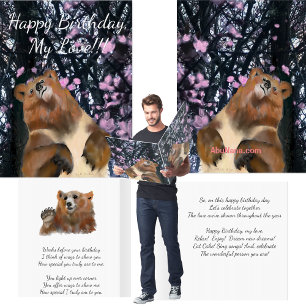
Birthday cards are commonly given along with gifts when celebrating somebody’s birthday. Writing heartfelt messages is a great way to show your loved ones how much you care for them. If you’re constantly looking for new ways to demonstrate this appreciation, then look no further! Giant birthday cards are a new craze that is sweeping across the nation. Do you ever run out of space when writing your birthday messages? Well that certainly won’t be the case anymore!
What are the most popular giant birthday card designs?
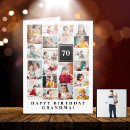
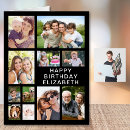
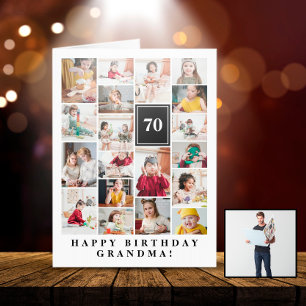
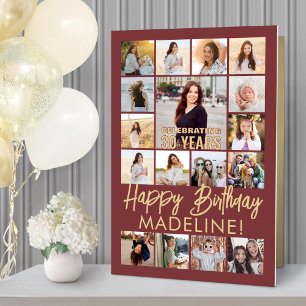
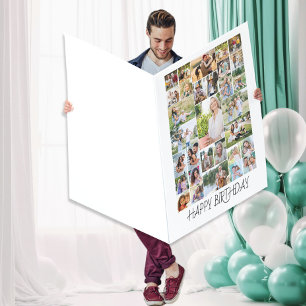
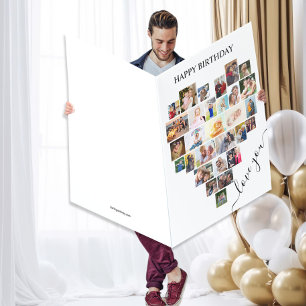
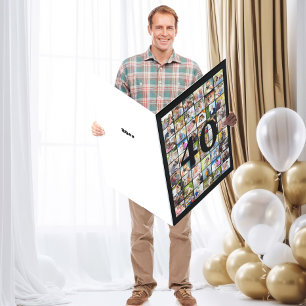
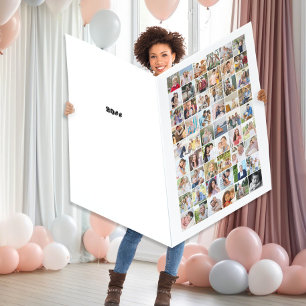
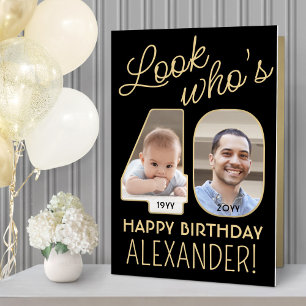
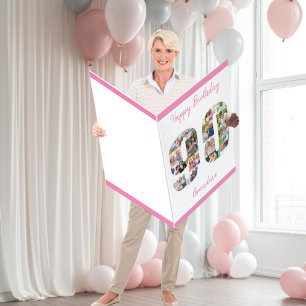
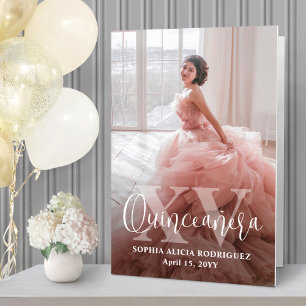
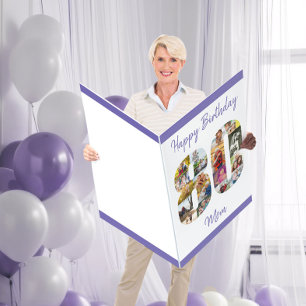
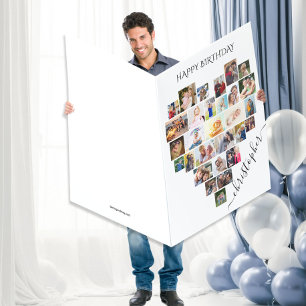
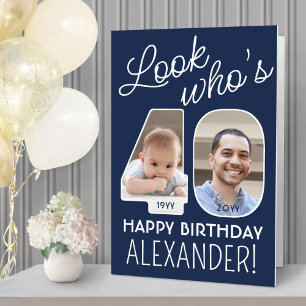
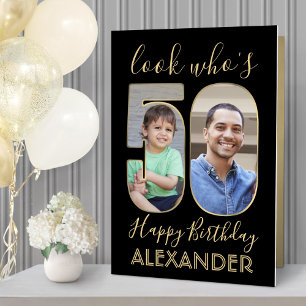
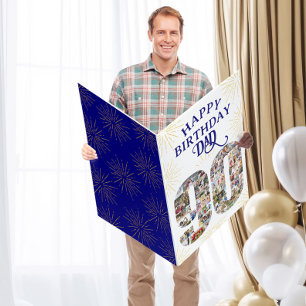
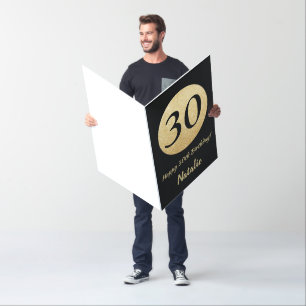
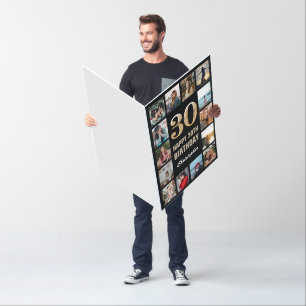
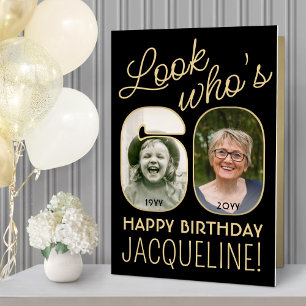
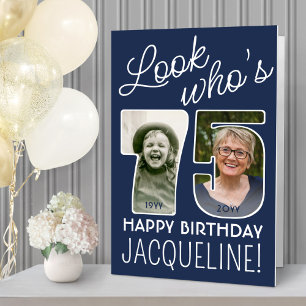
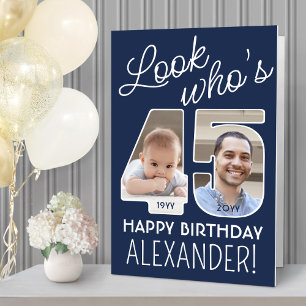
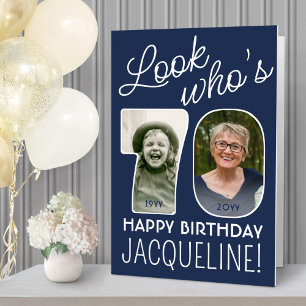
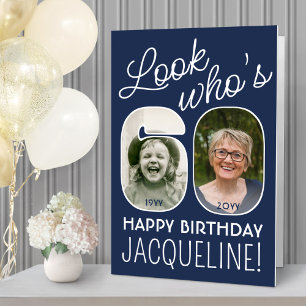
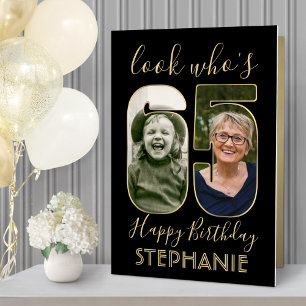
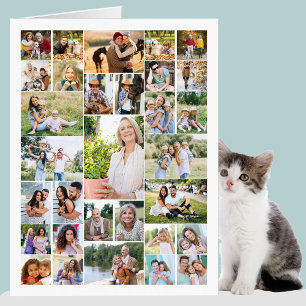
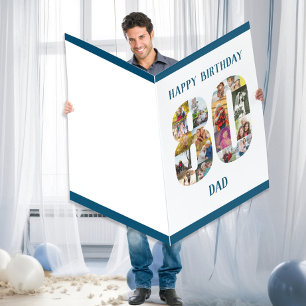
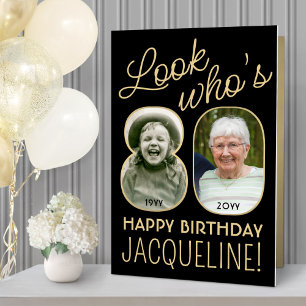
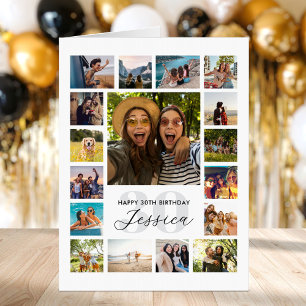
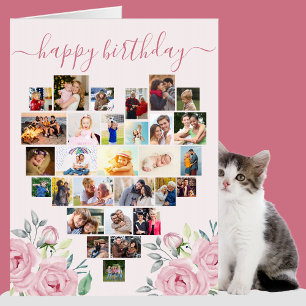
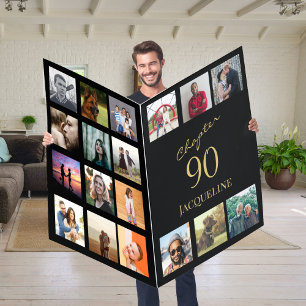
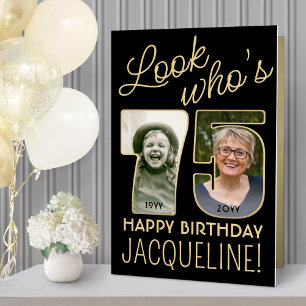
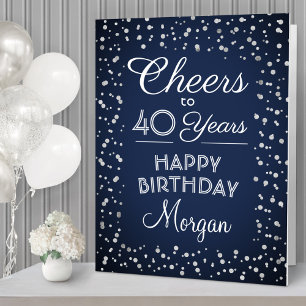
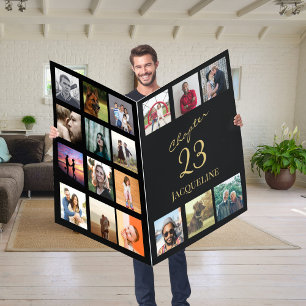
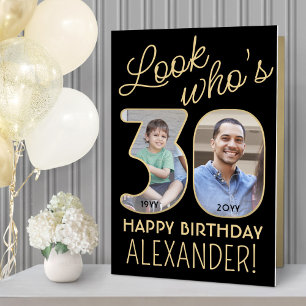
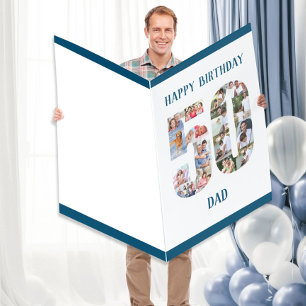
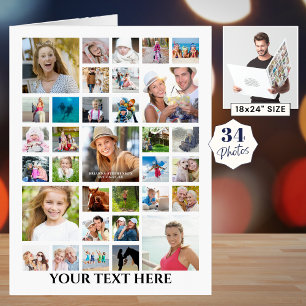
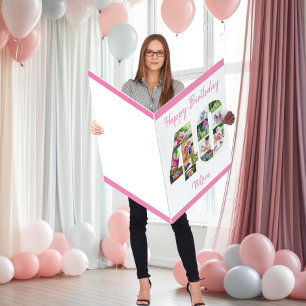
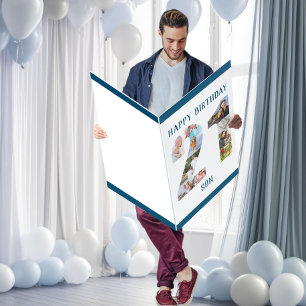
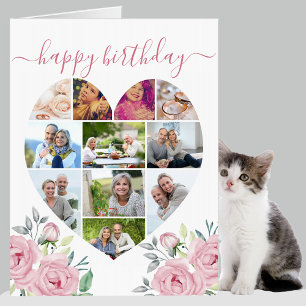
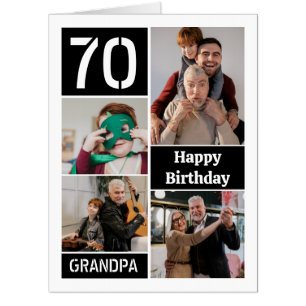
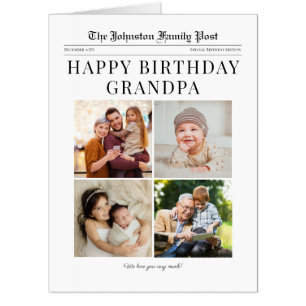
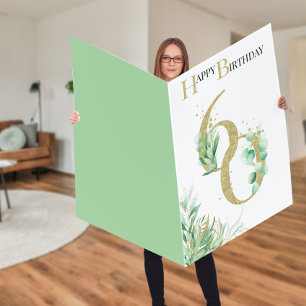
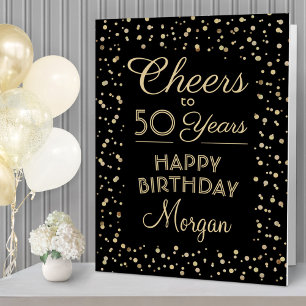
The most popular giant birthday cards designs and themes include photo collages and photo collages in the shape of the birthday person's age! With a GIANT amount of space to work with, you'll be able to add as many photos as you'd like as well as special messaging to say 'Happy Birthday!'
What should I write in a giant birthday card?
Genuine birthday messages can really lift somebody’s mood. Giant birthday cards give you ample room to write a long heartfelt message for your loved ones. Write about how much you appreciate the card recipient on their special day! You could write about your favorite memories together and how they have reached this new milestone in life. Finally, remind them that the best years are yet to come!
How big are the ‘giant’ birthday cards?
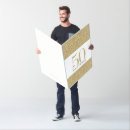
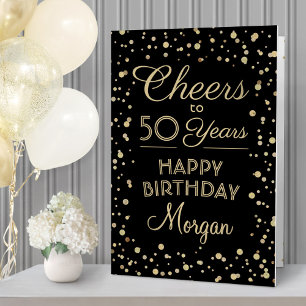
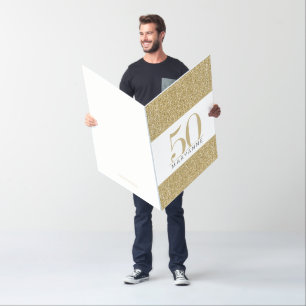
Zazzle’s giant birthday cards come in three different sizes. The ‘big’ size is 18” x 24”, the ‘bigger’ size is 24” x 36” and the ‘biggest’ size is 36” x 48”.
When should I order my giant birthday cards?
Make sure to order your giant birthday card well in advance of the big day to ensure that it reaches you in time. Luckily, Zazzle has multiple shipping options that will suit anybody, from the very organized to the not-so-prepared. To check the shipping times for each product, just click on the card template that you are thinking of buying and then press the ‘Shipping Options’ button on the left side.
Recently Viewed Items